


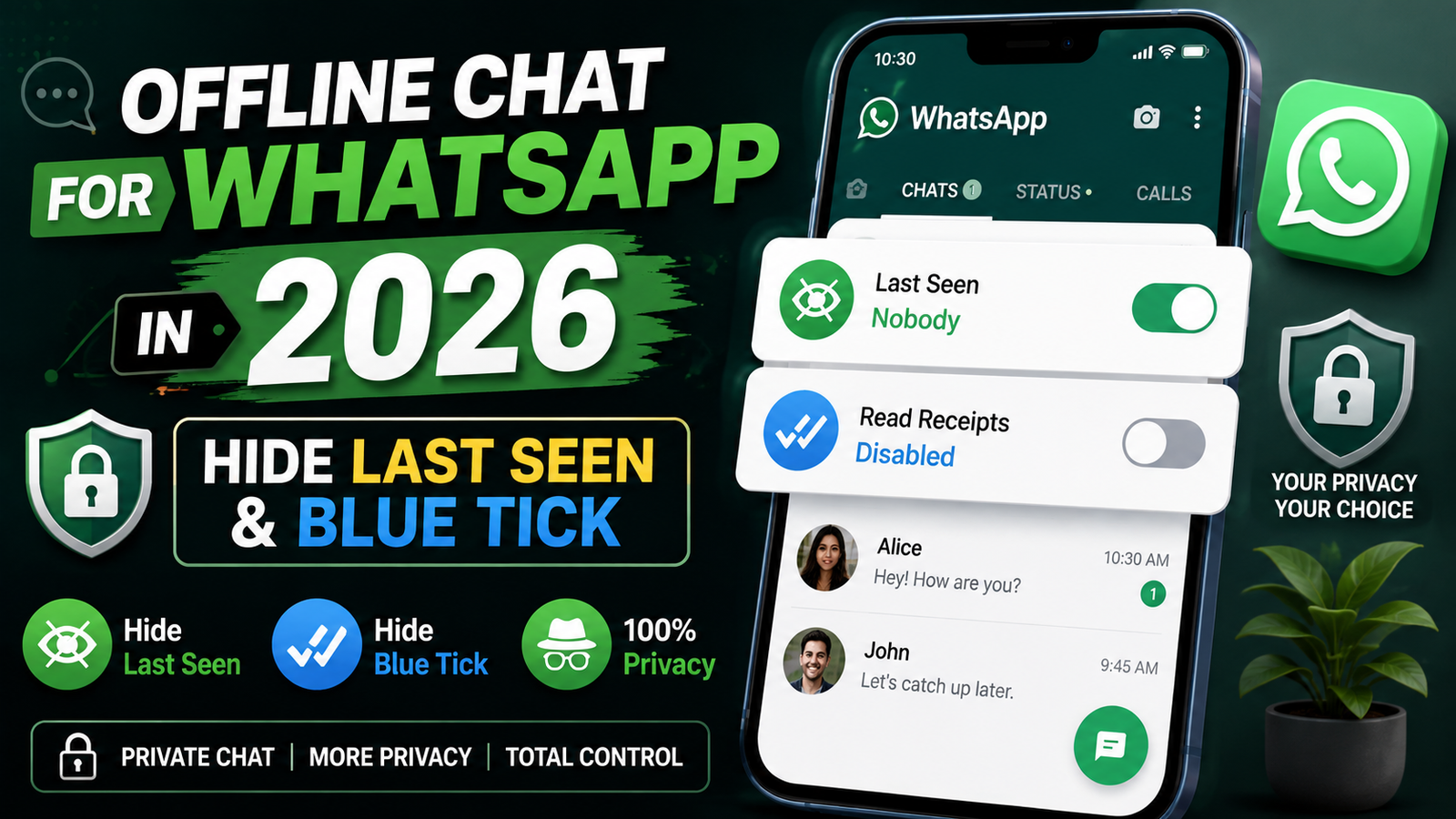
In 2026, messaging apps continue to play an important role in everyday communication. WhatsApp is widely used for personal conversations, family groups, work-related communication, education, and sharing media. However, many users also want greater control over their privacy. They may want to read messages without immediately showing their online status, last seen information, or read receipts.
This is where the idea of Offline Chat for WhatsApp becomes useful. The term generally refers to ways of using WhatsApp while reducing visible online activity or controlling privacy indicators. It does not necessarily mean that WhatsApp can operate completely without an internet connection. Instead, it usually describes privacy settings and device features that can help users communicate with fewer visible activity signals.
This guide explains Offline Chat for WhatsApp in 2026, how WhatsApp privacy settings work, what “last seen” and “blue tick” mean, and what users should know before using third-party applications.
What Is Offline Chat for WhatsApp?
Offline Chat for WhatsApp is a term commonly used to describe methods for chatting or reading messages while limiting the visibility of your online activity.
For example, a user may want to open WhatsApp and respond to a message without making their online presence visible to everyone. Another user may want to read a message without immediately sending a read receipt.
WhatsApp provides several privacy controls that can help users manage these indicators. However, privacy options can change over time, and the exact settings available may depend on the version of WhatsApp and the device being used.
It is important to understand that “offline chat” does not mean that messages can normally be sent without an internet connection. WhatsApp requires an internet connection to send and receive messages.
Why Do People Want Offline Chat?
There are many ordinary reasons people want more control over their WhatsApp activity.
Some users may be busy and do not want other people to know when they are checking messages. Others may want to read a message and respond later rather than feeling pressured to reply immediately.
Privacy is another major reason. People may simply prefer not to show their online activity to everyone in their contact list.
For students, workers, and people with busy schedules, controlling notifications and activity indicators can also make messaging less distracting.
The goal of Offline Chat for WhatsApp should therefore be better privacy and control rather than secretly monitoring other people.
Understanding Last Seen on WhatsApp
The “last seen” feature can show other users information about when you were last active on WhatsApp, depending on your privacy settings.
WhatsApp provides privacy controls that allow users to manage who can see their last seen information. Depending on the available options, you may be able to choose who can view this information or restrict it more broadly.
If privacy is important to you, reviewing your WhatsApp privacy settings is one of the simplest steps you can take.
Keep in mind that privacy settings can work in both directions. In some situations, restricting your own last seen visibility may also affect your ability to see similar information about other people.
What Is the Blue Tick?
The blue tick, commonly called a read receipt, indicates that a message has been read in supported WhatsApp conversations.
Many people appreciate read receipts because they make communication easier. However, others prefer to read messages without immediately notifying the sender.
WhatsApp includes privacy controls related to read receipts. Users can review these settings and decide whether they are appropriate for their preferences.
As with last seen information, changing privacy settings may affect what information you can see about other users.
Offline Chat for WhatsApp and Read Receipts
One of the main reasons people search for Offline Chat for WhatsApp is the desire to control read receipts.
Instead of relying on questionable third-party applications, users should first review the privacy features provided by WhatsApp itself.
The exact behavior can depend on the type of chat and feature being used. For example, group conversations may have different behavior from individual chats.
Users should also remember that privacy settings do not necessarily make every aspect of activity invisible. WhatsApp has different indicators and communication features, so it is useful to understand what each setting actually controls.
Online Status and Privacy
WhatsApp also provides options related to online visibility. These controls can give users greater choice over who can see when they are online.
This is particularly useful for people who want to maintain a more private messaging experience.
However, users should avoid assuming that changing one setting automatically hides every activity indicator. Last seen, online status, read receipts, typing indicators, and other features can operate differently.
A better approach is to review the available privacy settings individually.
How to Improve WhatsApp Privacy in 2026
If you want a more private WhatsApp experience in 2026, start with the official privacy settings available in the application.
Review who can see your profile photo, about information, status updates, last seen information, and online status.
You should also review who can add you to groups and consider limiting unwanted communication.
Another important step is protecting your account. Enable available account security features and avoid sharing verification codes with anyone.
Privacy is not only about hiding online status. It also includes protecting your account, personal information, conversations, and shared media.
Be Careful With Third-Party Offline Chat Apps
Many websites and applications advertise features such as invisible WhatsApp chat, hidden online status, blue tick removal, or advanced privacy controls.
Some third-party tools may request extensive permissions. They might ask for access to notifications, contacts, storage, accessibility features, or other information.
Users should be extremely careful before installing such applications.
An app that promises to provide extra WhatsApp features is not automatically trustworthy. Check the developer, permissions, privacy policy, reputation, and reviews before installing anything.
Avoid applications that ask for your WhatsApp password, verification code, or other sensitive account information.
Why Official WhatsApp Features Are Preferable
Official WhatsApp privacy features are generally a safer starting point because they are integrated into the messaging service.
Using built-in settings also reduces the need to give sensitive permissions to another application.
Before installing an external privacy tool, check whether WhatsApp already provides the feature you need.
If your goal is simply to control last seen, online visibility, or read receipts, the official privacy settings may be enough.
Can You Chat on WhatsApp Without Internet?
This is an important point when discussing Offline Chat for WhatsApp.
WhatsApp normally requires an internet connection to send and receive messages. You cannot generally send a new WhatsApp message to another person while your device has no internet connection and expect it to be delivered immediately.
Some features may allow messages to remain queued until your connection returns, but that is different from true offline messaging.
Therefore, the phrase “offline chat” is often used to describe privacy behavior rather than a completely internet-free WhatsApp experience.
Offline Chat and Notifications
Notifications can also influence how users interact with WhatsApp.
Depending on your phone’s settings, you may be able to preview parts of incoming messages through notifications without immediately opening the WhatsApp application.
However, notification previews can expose private information if someone else can see your phone screen.
If privacy is important, review your device’s lock-screen notification settings. You can choose settings that reduce the amount of message information displayed when the phone is locked.
WhatsApp Privacy for Personal Conversations
Personal conversations can contain sensitive information, including family discussions, school-related messages, work information, photographs, documents, and private opinions.
Users should therefore think carefully about who can access their WhatsApp account and phone.
Use a strong device passcode and take advantage of available WhatsApp security features. Keep your application updated and avoid downloading unofficial modified versions of WhatsApp from unknown websites.
Modified messaging applications may advertise additional privacy features, but they can introduce security and account risks.
WhatsApp Privacy for Groups
Groups are another important part of WhatsApp privacy.
Users may be members of family, school, community, or work groups. These groups can generate large numbers of notifications and may contain information that should not be shared outside the group.
Review your group privacy settings and avoid forwarding private conversations or media without permission.
If you receive unwanted messages or inappropriate content, use the reporting and blocking tools available within WhatsApp when appropriate.
Does Hiding Blue Ticks Hide Everything?
No. Disabling read receipts should not be treated as a complete invisibility feature.
Different WhatsApp indicators serve different purposes, and some conversations or features can behave differently.
For example, group chats may have different read-receipt behavior than individual conversations.
The best way to understand your privacy is to review the specific WhatsApp setting and its description rather than relying on claims made by third-party websites or applications.
Benefits of Offline Chat Privacy Features
Using privacy controls can provide several benefits.
First, they give users greater control over their digital presence. People do not always want others to know exactly when they are active.
Second, privacy settings can reduce social pressure. A person can read a message and respond when they have time.
Third, they can make WhatsApp feel less intrusive. Users can choose which information they want to share with contacts.
Finally, privacy controls can help users create healthier boundaries between messaging and personal time.
Limitations of Offline Chat Features
Privacy settings are useful, but they are not designed to make a WhatsApp account completely invisible.
Some indicators may still behave differently depending on the type of interaction. Notifications, group activity, typing indicators, and other features should also be considered.
There is also no reliable reason to give an unknown third-party application full access to your phone simply to hide a small activity indicator.
A good privacy strategy uses the minimum permissions and features necessary.
Tips for a Safer WhatsApp Experience
If you want to improve your WhatsApp privacy, follow a few basic practices.
Keep WhatsApp updated through an official application source. Use a secure phone lock and protect your account verification information.
Review your privacy settings regularly because applications can introduce new features or change existing options.
Avoid suspicious links and messages that ask you to install an application or provide a verification code.
Do not share private conversations, photos, or recordings without appropriate permission.
Most importantly, remember that privacy works best when you combine application settings with good digital habits.
Is Offline Chat for WhatsApp Safe?
The concept of Offline Chat for WhatsApp can be safe when it refers to normal WhatsApp privacy settings and responsible use of the application.
The risk increases when users install unknown third-party applications that promise to provide invisible chatting or special WhatsApp features.
Before using any external tool, consider what access it requests and whether the benefit is worth the privacy risk.
If an application asks for unnecessary sensitive permissions, it is better to avoid it.
Final Thoughts
Offline Chat for WhatsApp is mainly about controlling your online presence and privacy rather than using WhatsApp completely without an internet connection. In 2026, users can make use of available WhatsApp privacy settings to manage information such as last seen, online status, and read receipts.
If you want to hide your activity, start with the official settings available inside WhatsApp. There is usually no need to install an unknown application simply to change a privacy preference.
Always remember that privacy settings have limitations. Different WhatsApp features can behave differently, and some options may change as the application is updated.
For the safest experience, keep WhatsApp updated, protect your account, use strong device security, avoid unofficial modified applications, and be careful with third-party tools.
By understanding how last seen, blue ticks, online status, notifications, and privacy settings work, users can enjoy a more comfortable and controlled WhatsApp experience without unnecessarily putting their personal information at risk.
See Also : Best App to Get Car Insurance Online in 2026
FAQs
What is Offline Chat for WhatsApp?
Offline Chat for WhatsApp generally refers to using WhatsApp while limiting visible activity indicators such as online status, last seen, or read receipts. It does not normally mean that WhatsApp works completely without an internet connection.
Can I use WhatsApp without showing my online status?
WhatsApp provides privacy controls that can allow users to manage who can see their online status. The exact options may depend on the current application version.
Can I hide the blue tick on WhatsApp?
WhatsApp provides settings related to read receipts. Changing these settings can affect whether read receipts are shown in certain types of conversations.
Does hiding last seen also hide online status?
Not necessarily. Last seen and online status are separate privacy controls, so users should review both settings.
Can I send WhatsApp messages without internet?
WhatsApp normally requires an internet connection to send and receive messages. A message may remain pending until connectivity returns, but that is not the same as true offline messaging.
Is it safe to use third-party Offline Chat for WhatsApp apps?
Third-party applications can create privacy and security risks, especially when they request unnecessary permissions. Official WhatsApp privacy settings are generally the safer place to start.
Can I hide my WhatsApp activity from everyone?
WhatsApp provides several privacy controls, but no setting should be assumed to make every type of activity completely invisible.
How can I improve WhatsApp privacy?
Review your last seen, online status, profile photo, status, group, and read-receipt settings. Also protect your account, keep WhatsApp updated, and avoid suspicious third-party applications.