


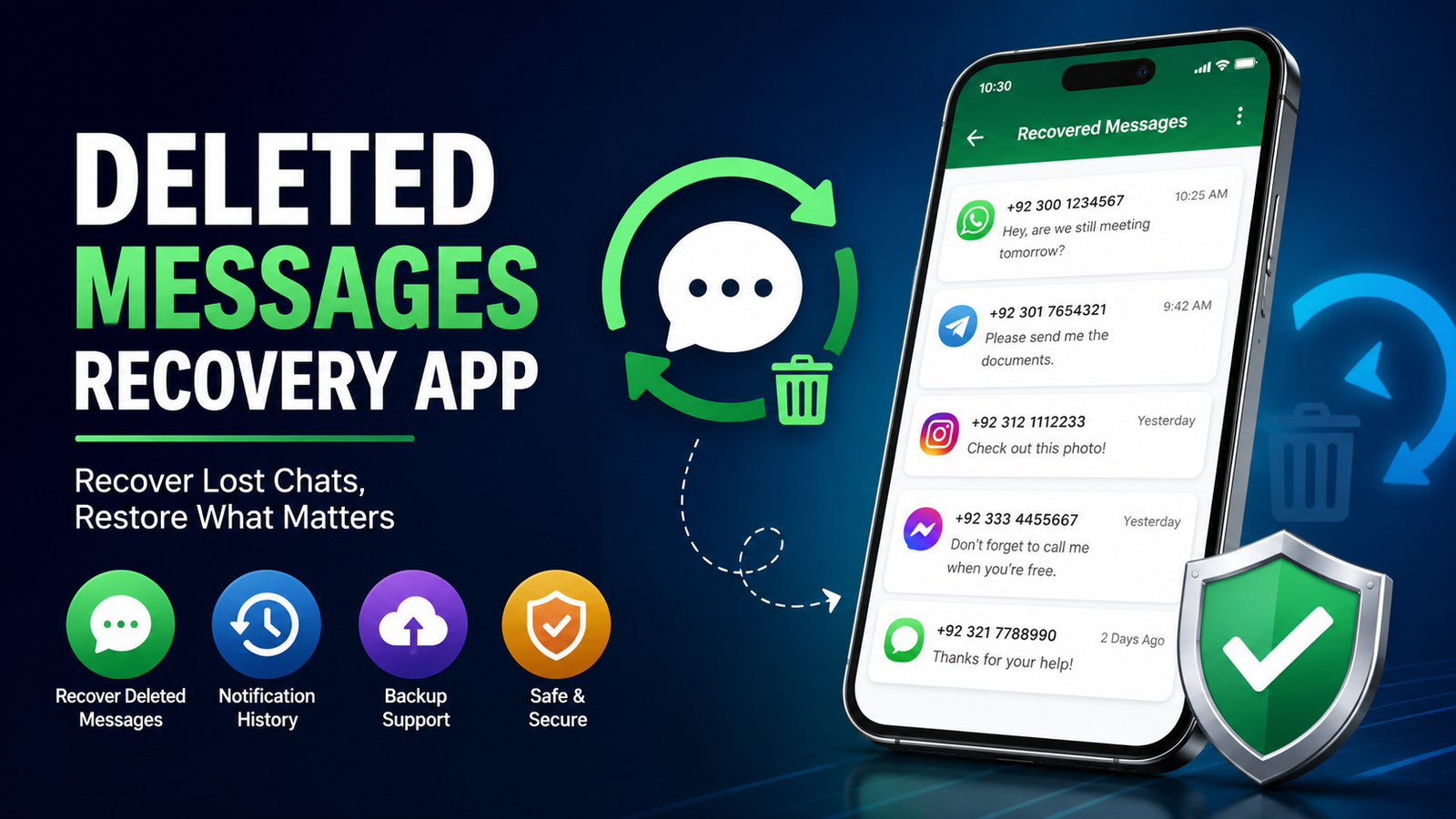
Losing an important message can be frustrating, especially when a conversation contains useful information, an address, a photo, or details that you may need later. This is why a Deleted Message Recovery App has become a popular search term among smartphone users. These apps are designed to help users find certain notifications or recover information that may still be available on their device after a message has been deleted.
However, it is important to understand how message recovery actually works. A recovery app cannot magically restore every deleted message. Its success depends on the messaging application, phone settings, notification history, backups, storage conditions, and whether the information was permanently removed from the device.
In this guide, we will explain what a Deleted Message Recovery App is, how these apps generally work, what features to look for, their limitations, and safer ways to recover your own lost message .
What Is a Deleted Message Recovery App?
A Deleted Message Recovery App is a mobile application designed to help users access message or message-related information that may no longer be visible in the original messaging app. Depending on the app and operating system, it may work by saving notification content, accessing an existing backup, or finding information that remains temporarily stored on the device.
Some apps focus specifically on notification history. For example, if a message appears as a notification and is later deleted by the sender, an app that had permission to record notifications may still show the text that was previously displayed.
Other recovery solutions depend on backups. If your message were included in a legitimate phone or application backup before deletion, restoring that backup may provide a way to retrieve them.
The important point is that recovery depends on information that still exists somewhere on the device or in a backup. If the original information has been permanently erased and no backup or notification record exists, an app may not be able to recover it.
How Does Message Recovery Work?
The technology behind message recovery varies between apps and devices. One common method is notification history. When a supported messaging application sends a notification, the operating system may temporarily store information related to that notification.
A recovery application with the appropriate permission may record notification content while it is available. If the original message is subsequently deleted, the saved notification may remain accessible inside the recovery application.
Another method involves backups. Many smartphones and messaging platforms provide backup features that allow users to save conversations. If a backup was created before a message disappeared, restoring that backup may recover the conversation included in that backup.
Some applications may also look for locally stored information, but modern smartphone operating systems restrict access to private application data. Because of these security restrictions, a third-party app generally cannot simply open another app’s private database and retrieve everything that has ever been deleted.
Key Features to Look For
When choosing a Deleted Message Recovery App, users should pay attention to functionality, privacy, permissions, and reliability instead of simply choosing an application because it has a high download count.
Notification History
Notification history can be one of the most useful features because it may preserve text that appeared in a notification before the original message was deleted. This is especially useful when the user enabled the necessary notification settings before the message was removed.
Backup Support
A good recovery solution should work with legitimate backups where possible. Backup-based recovery is generally more dependable than applications that make unrealistic claims about recovering permanently erased data.
Simple Interface
A recovery application should make it easy to understand what information has been saved. A clean interface can help users find notifications or backed-up conversations without unnecessary complexity.
Privacy Controls
Because message-related information can be highly private, users should carefully examine the permissions requested by an application. An app that asks for access unrelated to its advertised purpose deserves additional scrutiny.
Compatibility
Not every recovery method works on every phone. Android versions, device manufacturers, application permissions, and messaging platforms can affect functionality. Always check compatibility before relying on an app.
Can a Deleted Message Recovery App Recover Every Message?
No. This is one of the most important limitations to understand.
A Deleted Message Recovery App generally cannot guarantee recovery of every deleted message. If a message was never captured in notification history, was not included in a backup, and has been permanently removed from accessible storage, recovery may not be possible.
There are also situations where notification previews are disabled. If the phone did not display message content in notifications, a notification-based application may have little or no text to save.
Encrypted messaging applications can create additional limitations. Modern messaging services are designed with privacy and security in mind, so third-party applications may not have direct access to private conversations.
Therefore, users should treat recovery apps as tools that may help under specific circumstances rather than guaranteed solutions.
Recovering Message Through Backups
Before installing a third-party recovery application, it is often worth checking whether your phone or messaging application already has a backup.
A backup can contain older copies of conversations, depending on when the backup was created and what information it included. If the required message existed at the time of the backup, restoring that backup may provide a legitimate recovery option.
However, restoring an old backup can sometimes replace newer information. For this reason, users should understand the backup and restore process before proceeding and make sure important current information is protected.
The exact backup process differs between devices and messaging platforms, so users should follow the official instructions for their particular phone and application.
Notification History and Deleted Message
Notification history is another important concept when discussing deleted message.
Some Android devices offer built-in notification history features. When enabled, the phone can keep a record of recent notifications. This may allow a user to view notification content that is no longer visible in the original application.
The feature has limitations. It generally needs to be enabled in advance, and it does not necessarily store every type of notification indefinitely. Some notifications may also contain only partial previews instead of complete message content.
This means notification history is more useful as a preventative feature than as a tool for recovering message that were deleted before notification recording was enabled.
Privacy and Security Considerations
Privacy should be a major consideration when using any Deleted Message Recovery App. A recovery application may require access to notifications or other device information. That access can potentially expose sensitive content.
Before installing an application, check its developer information, privacy policy, permissions, reviews, and update history. Avoid applications that make extraordinary promises such as recovering every permanently deleted message without any limitations.
Users should also be cautious about applications requesting unnecessary permissions. A simple recovery tool should not automatically need access to every part of your phone.
Never provide passwords, verification codes, banking information, or other sensitive credentials to an unknown recovery service. If an application asks you to disable important security protections without a clear reason, consider using a different solution.
Advantage of Using a Recovery App
There are several potential advantage to using a recovery application.
First, it can provide access to notification information that might otherwise disappear when a message is deleted. Second, it can offer a convenient place to review previously recorded notifications. Third, some apps can organize saved notification information, making it easier to find specific entries.
Recovery tools can also encourage users to think about backup and data-management practices. Instead of depending entirely on recovery after something goes wrong, users can enable appropriate backup features and protect important conversations in advance.
Limitations of Recovery Apps
Despite their usefulness, recovery applications have significant limitations.
The biggest limitation is that they cannot recover information that they never had access to. If an app was installed after the message was deleted, it cannot normally retrieve notification information that was never recorded.
Operating-system security is another limitation. Modern phones isolate applications from one another to protect user privacy. A third-party application cannot automatically access another application’s private data.
There can also be compatibility problems. An application that works on one Android version or device may behave differently on another. Updates to messaging apps and operating systems can also change how notifications and storage work.
Finally, some recovery apps may contain advertisements, subscription features, or unnecessary permissions. Users should evaluate these factors before installation.
Tips to Prevent Important Message From Being Lost
Prevention is usually better than recovery. If you regularly receive important message, consider using reliable backup options provided by your phone or messaging service.
Keep your device software updated and review backup settings periodically. For particularly important information, save it in a secure location rather than depending on a message remaining available forever.
You can also review notification settings to ensure important applications display useful notification previews when appropriate. Remember that notification previews can expose private information on a locked screen, so balance convenience with privacy.
Keeping enough free storage space and maintaining a healthy backup routine can also reduce the risk of losing valuable information.
Is a Deleted Message Recovery App Safe?
Safety depends on the specific application. There is no universal guarantee that every recovery app is safe.
Before installing one, investigate the developer, permissions, privacy practices, user feedback, and update history. Download applications from reputable sources whenever possible and avoid modified or unofficial versions.
If an application promises impossible results, such as recovering message from any phone regardless of backups or settings, treat the claim with caution.
It is also a good idea to review permissions after installation. If the application requests access that does not appear necessary for its purpose, you can reconsider whether you want to use it.
Best Approach for Recovering Your Own Deleted Message
If you accidentally deleted an important message, start with the simplest and safest options.
First, check whether the conversation is still available in the original messaging application. Next, check your phone’s notification history if it was enabled. After that, review your legitimate backups and determine whether the required conversation was included.
Only after checking these options should you consider a third-party Deleted Message Recovery App. Choose a reputable application with clear privacy information and realistic claims.
If the message is extremely important, avoid repeatedly installing unknown applications or making unnecessary change to the device. Additional change can sometimes make troubleshooting more difficult.
See Also : Best App to Get Car Insurance Online in 2026
FAQs
What is the best Deleted Message Recovery App?
There is no single app that is best for every phone. The right option depends on your operating system, messaging service, notification settings, and available backups. Look for a reputable app with transparent permissions and realistic recovery claims.
Can deleted message really be recovered?
Sometimes, but not always. Recovery may be possible through notification history or a backup created before deletion. If no accessible copy remains, recovery may not be possible.
Can I recover message deleted before installing a recovery app?
Usually, a notification-based recovery app cannot recover notifications that existed before the app was installed and given the required permissions. Existing backups may provide another recovery option.
Does notification history save deleted message?
Notification history can preserve information from notifications, depending on the phone and settings. It is not the same as recovering the original message from the messaging application.
Are deleted message recovery apps safe?
Some may be legitimate, while others may create privacy or security concerns. Always check permissions, developer information, privacy policies, reviews, and the source from which you install the app.
Can a recovery app recover photos and videos?
It depends on how the media was stored and whether a backup or accessible copy still exists. A notification-based tool usually cannot restore the original media file simply because a notification contained a preview.
Should I use a recovery app before checking my backup?
It is generally better to check your existing backup and built-in notification features first. These options can be safer and may provide a more reliable recovery route.
Final Thoughts
A Deleted Message Recovery App can be useful in certain situations, particularly when notification information was saved before a message disappeared or when a legitimate backup contains an earlier copy of a conversation. However, no recovery application should be considered a guaranteed solution for permanently deleted data.
The safest strategy is to combine realistic recovery expectations with good data-management habits. Check notification history, review existing backups, use reputable applications, and carefully consider privacy permissions. Most importantly, avoid apps that promise unlimited recovery without explaining how their technology works.
If you regularly receive important message , creating reliable backups and protecting valuable information before it is lost is much more effective than depending on recovery afterward. With the right precautions, you can reduce the risk of losing important conversations and make future recovery much easier.